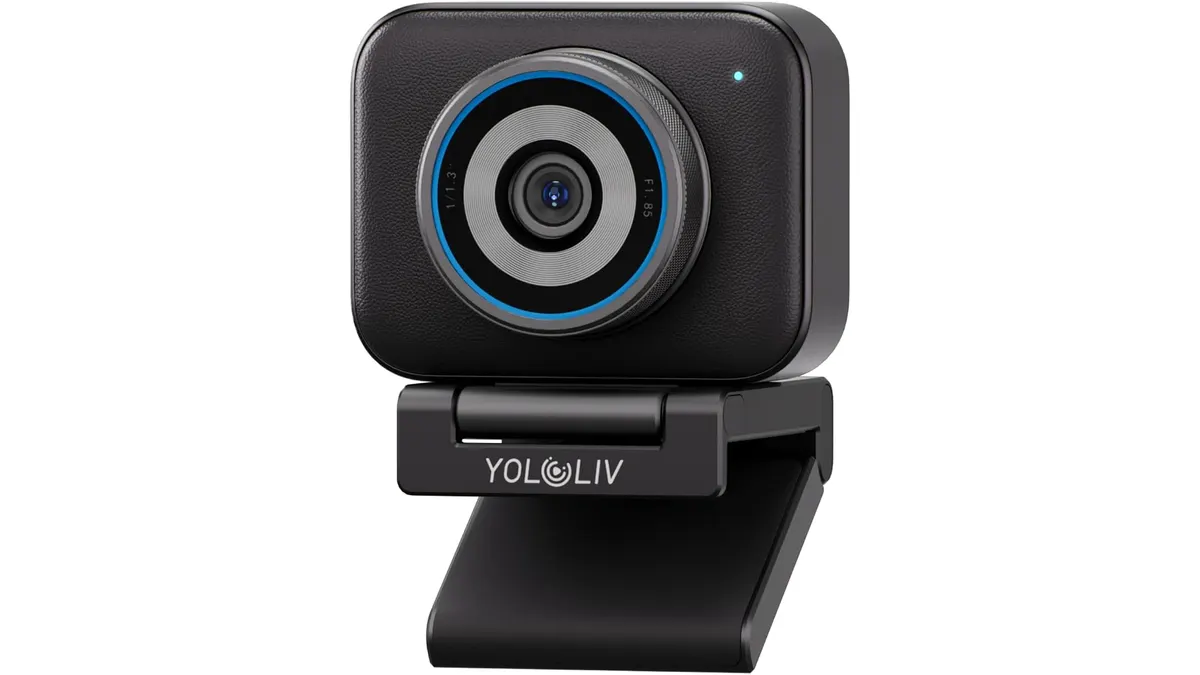
YOLOLIV YoloCam S3 Review: High-End Streaming Performance
I tested the YOLOLIV YoloCam S3 for streaming and corporate work. Read my honest review on image quality, autofocus, and if it fits your production needs.
 Compact Cameras
If you spend your days juggling Zoom calls, remote interviews, or live streaming, you have likely realized that standard integrated webcams rarely cut it for professional work. The YOLOLIV YoloCam S3 enters the space as a dedicated piece of kit that aims to bridge the gap between simple video conferencing and actual production-grade imagery. As part of our wider testing of Compact Cameras, I spent two weeks using it for everything from desk-bound meetings to controlled lighting setups to see if it delivers on its promises.
What it does well
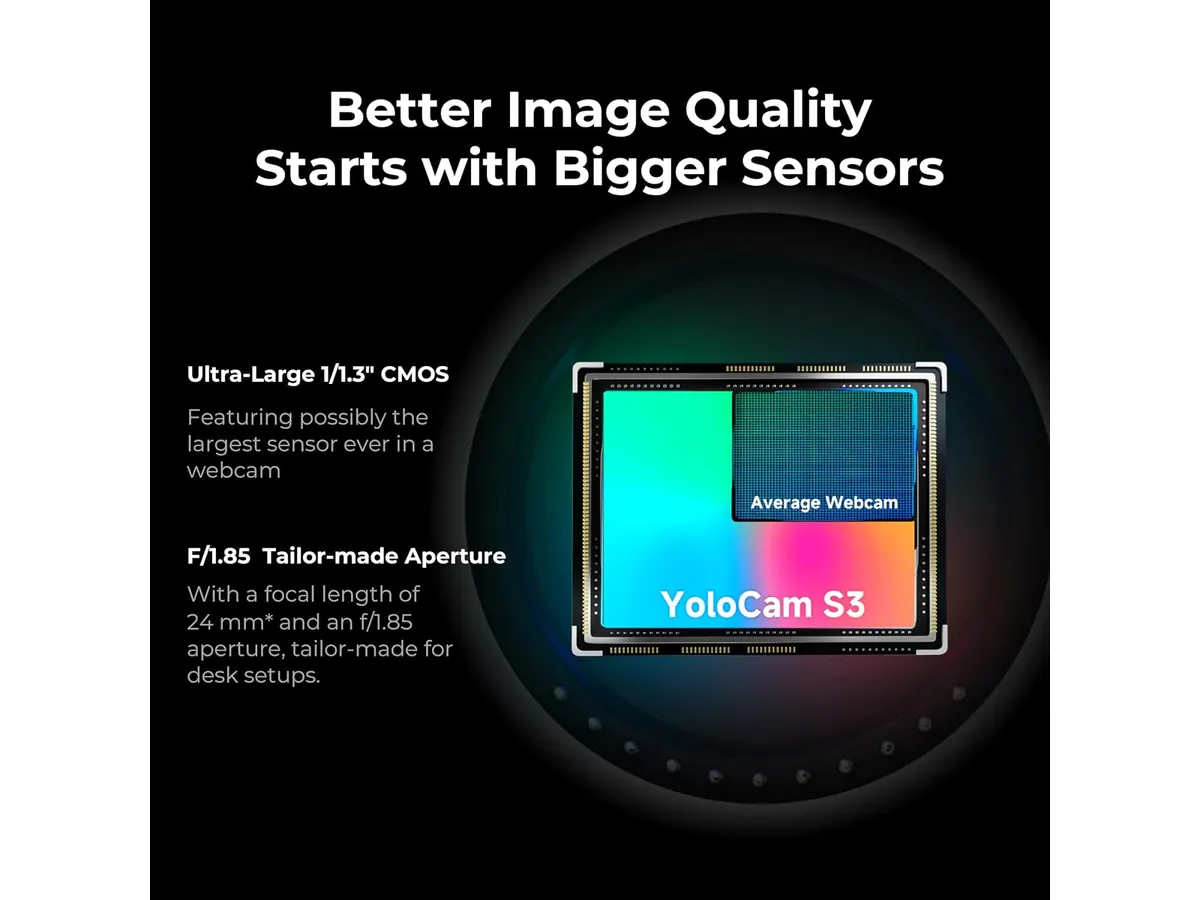
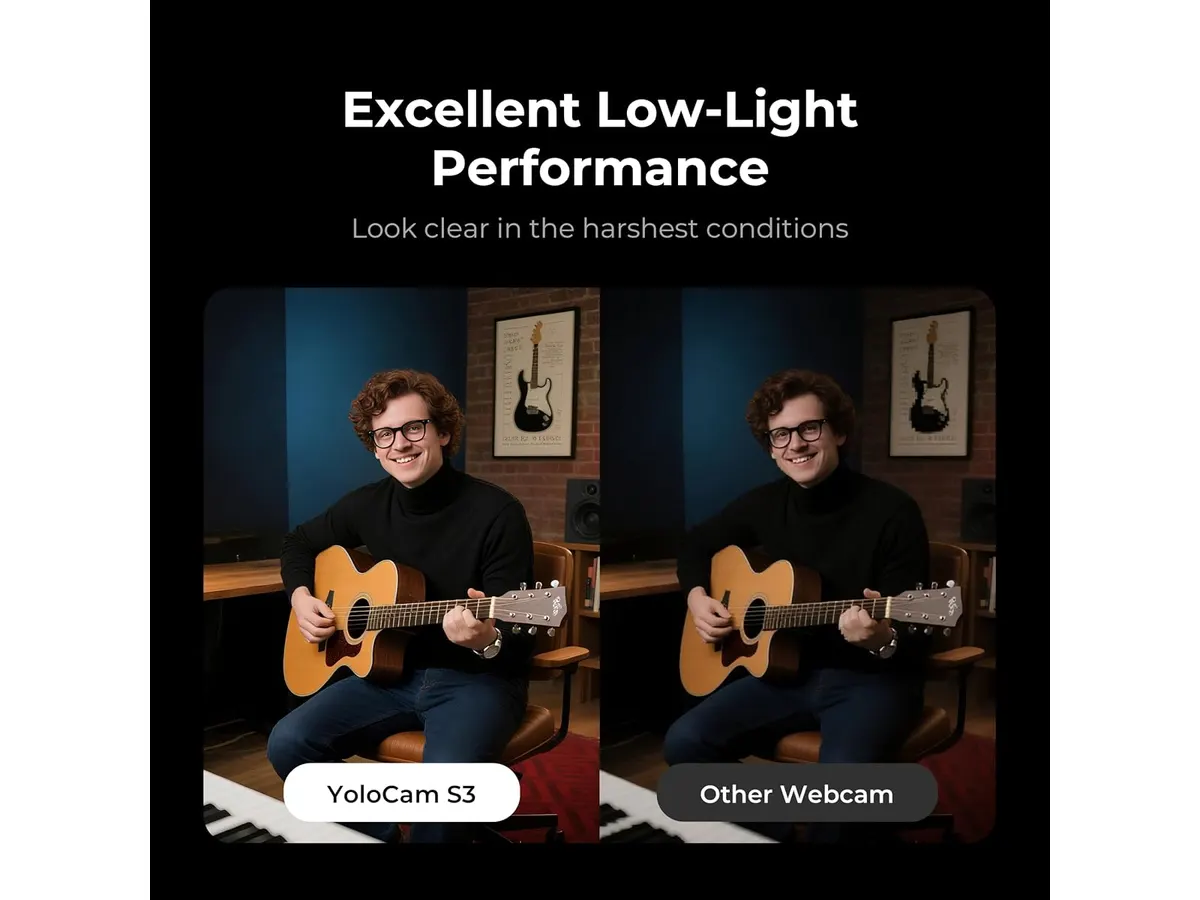
The standout feature here is undoubtedly the 1/1.3” sensor. In a market flooded with tiny, noisy sensors, this larger imaging surface provides a noticeable jump in dynamic range and overall clarity. Whether I was working in a well-lit home office or a darker secondary room, the image remained crisp and free of the muddy, processed look that plagues cheaper hardware.
- Autofocus performance: The PDAF system is snappy. During a sit-down interview demo, the camera held focus on my eyes even when I leaned forward to adjust a microphone, showing zero visible hunting.
- Thermal management: The aluminum chassis acts as a legitimate heat sink. After running the camera for four hours straight during a long-form stream, the unit remained cool, and I encountered no thermal throttling or frame drops.
- Image processing: The Picasso Resolve color tools offer a surprising amount of control for a plug-and-play device, allowing for a more natural skin tone reproduction than typical out-of-the-box settings provide.
Key specifications
| Feature | Specification |
|---|---|
| Sensor Size | 1/1.3” |
| Max Resolution | 4K/30fps, 1080p/60fps |
| Field of View | 82 degrees |
| Connectivity | USB 3.0 |
| Digital Zoom | 4x (at 1080p) |
| Mount | Magnetic with 1/4”-20 thread |
Where it falls short
The 82-degree field of view is a safe, middle-of-the-road choice, but it can feel restrictive if you are shooting in a tight home office or trying to capture a wider group setting. I found myself wishing for a slightly wider lens to capture a bit more of the background environment without having to physically move the desk setup.
Additionally, while the digital zoom is functional, it is strictly a 4x crop at 1080p. Once you start pushing that zoom, the image quality degradation becomes apparent very quickly. It is fine for minor framing adjustments, but do not rely on it as a substitute for a true optical zoom lens found on higher-end glass. If you need more versatility, you might want to read our analysis on the DJI Osmo Pocket 4 Review: Compact Camera for Vloggers for a different approach to mobility.
Who is it for?
This camera is perfect for the corporate professional or the mid-level streamer who wants to stop tweaking software settings and just get a reliable, high-quality signal into their computer. It is a set-it-and-forget-it solution that respects your time.
Conversely, this is not the right tool for someone looking to create highly cinematic, shallow depth-of-field content. If you are trying to film a YouTube documentary or a high-end product showcase where you need manual control over bokeh and lens characteristics, you should be looking toward dedicated mirrorless bodies rather than a fixed-lens webcam.
Alternatives to consider
If you need something more portable for run-and-gun production, I recommend looking at handheld devices in the mid-price tier. These offer built-in stabilization and wider lens options for creators who move around during their streams.
If your priority is absolute image quality and interchangeable lenses, there is a whole category of entry-level mirrorless cameras designed for streaming. These will require an external capture card, but they provide the professional aesthetic that no fixed-lens webcam can truly replicate. You can find more of these options in our full directory of Compact Cameras.
Verdict
The YOLOLIV YoloCam S3 is a solid, workhorse piece of gear that prioritizes stability and consistent image quality over gimmicks. While the fixed 82-degree lens limits your framing options, the sensor performance justifies the space it takes up on your monitor. If you value a plug-and-play workflow that looks significantly better than a stock camera, this is a very strong contender.
Frequently asked questions
Is the 4K resolution usable for professional streams?
Yes, the 4K/30fps output is clean and works perfectly with most major streaming software without needing custom drivers.
Can I mount this on a standard tripod?
Absolutely. The base features a 1/4”-20 thread, which is the standard size for virtually every tripod and light stand on the market.
Does the camera require external power?
No, it is powered entirely through the USB 3.0 connection, which keeps your cable management clean and simple.

Written by
Charly River
Editor & Head of Reviews
I review audiovisual gear by cross-checking official specs, real availability and value for money. No sponsorships: if a link earns a commission, I always say so.
Spotted an error? Email usYou may also like
 Compact Cameras
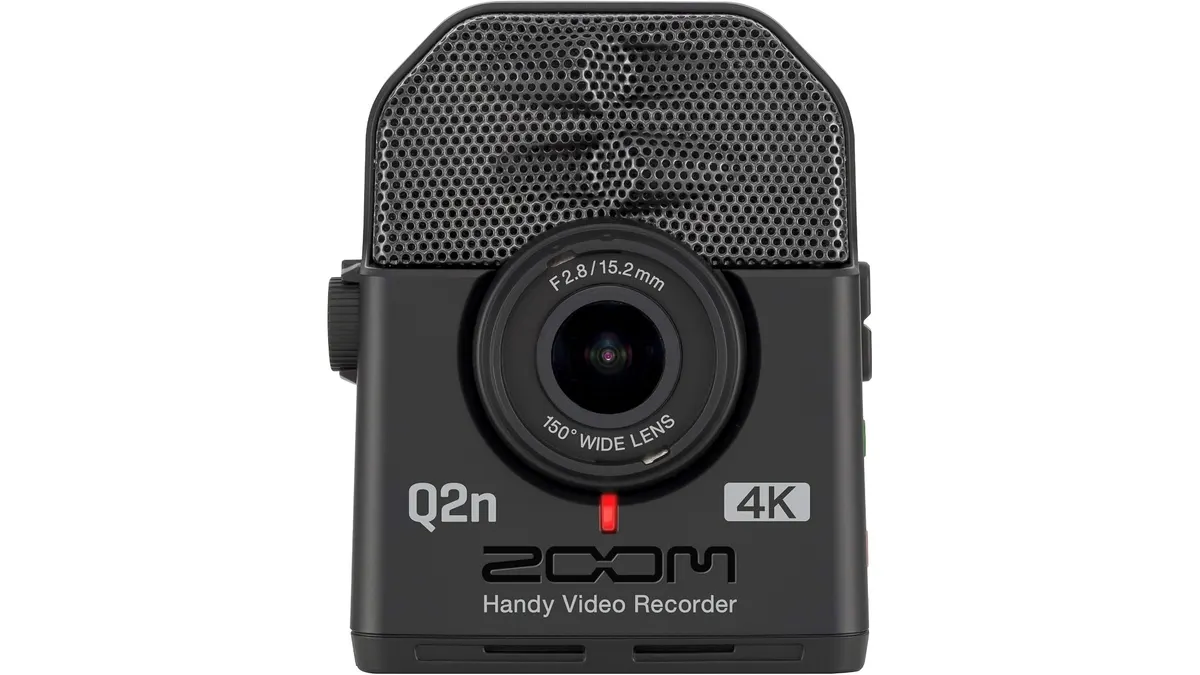
Zoom Q2n-4K Review: Essential 4K Video for Musicians
Read our hands-on Zoom Q2n-4K review to see how this ultra-compact 4K video camera handles loud live audio, web streaming, and stage lighting setups.
 Compact Cameras
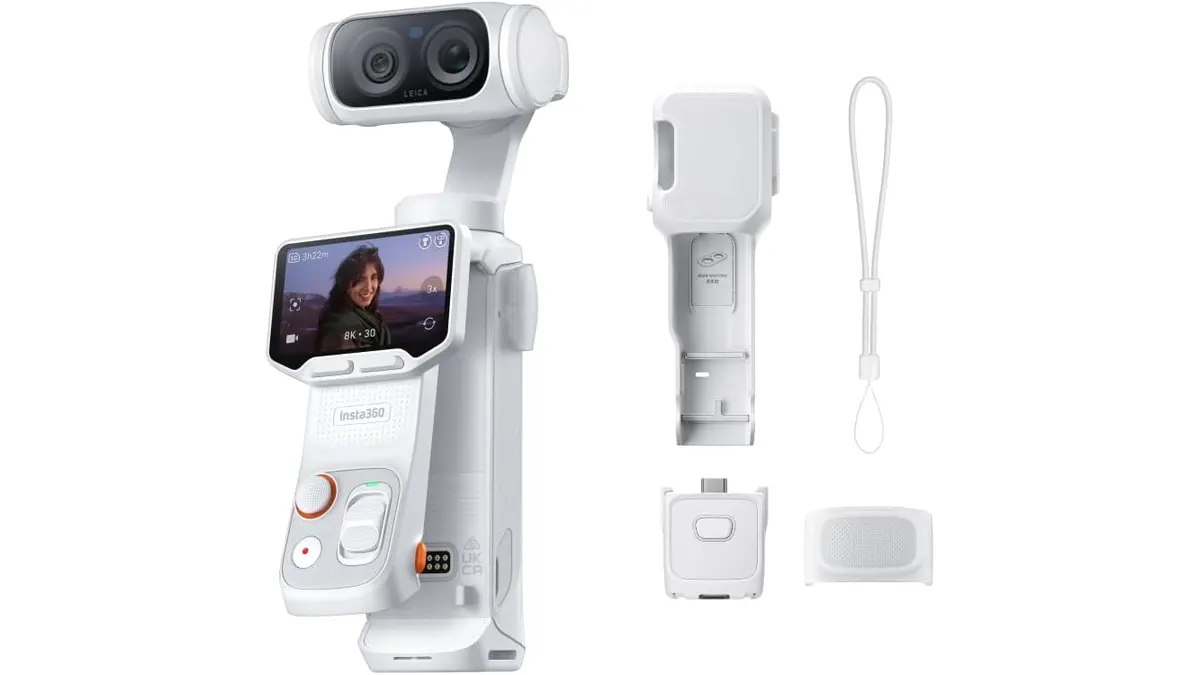
Insta360 Luna Ultra Review: Mechanical Power in a Small Package
I put the Insta360 Luna Ultra to the test. Discover if this dual-lens mechanical stabilizer is the right upgrade for your mobile production workflow.
 Compact Cameras
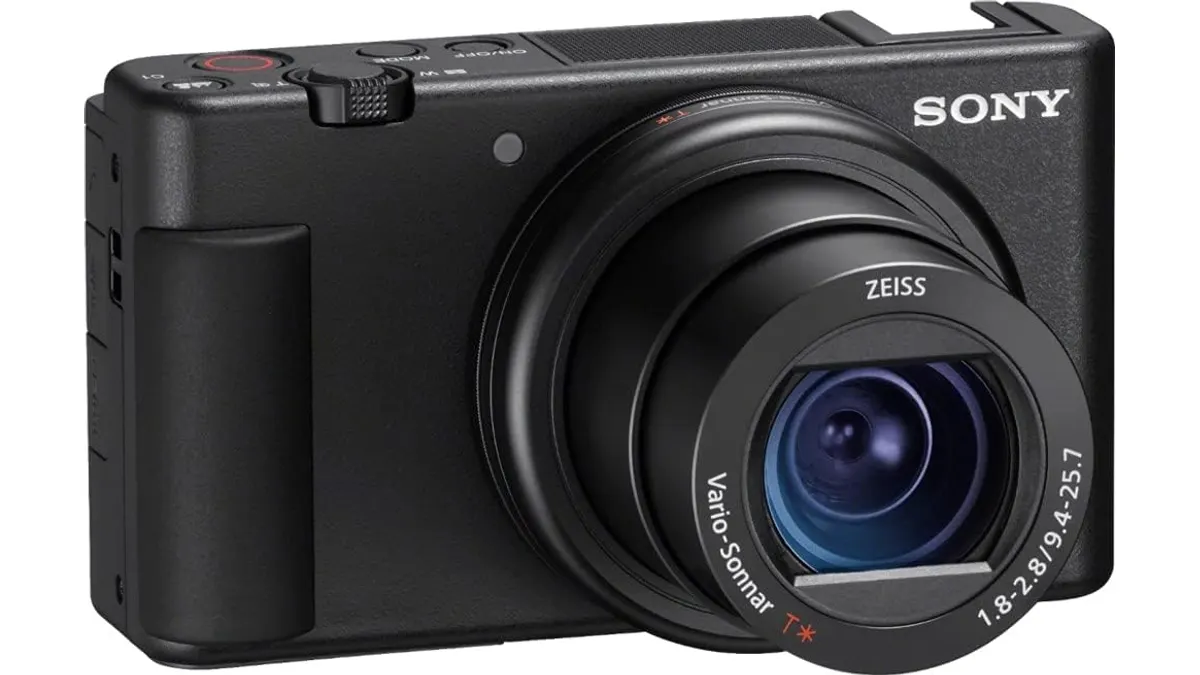
Sony ZV-1 Review: The Ultimate Pocket Vlogging Camera
Read our hands-on Sony ZV-1 review covering 4K HDR video, fast hybrid autofocus, audio features, and key trade-offs for video creators.