Samsung ViewFinity S7 (S71H) Review: 4K Clarity for Creatives
Is the Samsung ViewFinity S7 (S71H) the right 4K monitor for your edit suite? We break down its color accuracy, IPS panel performance, and real-world utility.
 Monitors
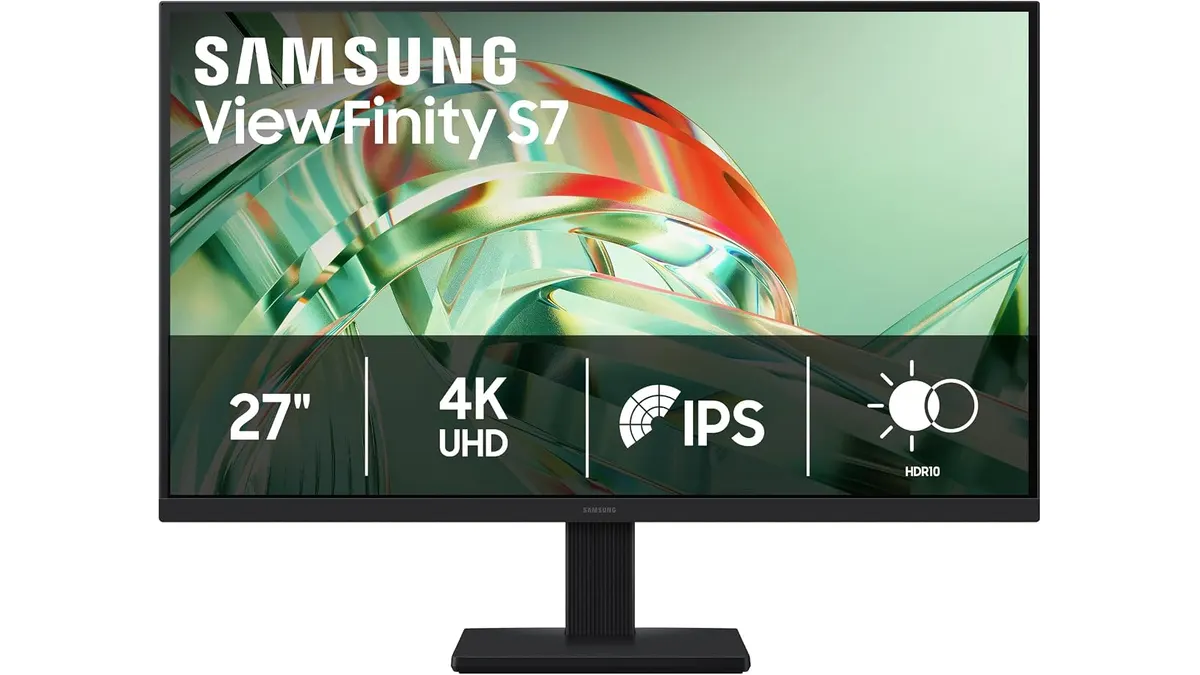
When you are deep in a timeline, the monitor you stare at is the most important tool in your arsenal. The Samsung ViewFinity S7 (S71H) enters the crowded 4K space with a focus on visual fidelity and eye comfort. If you are browsing for reliable Monitors to handle color grading or graphic design, this display aims to strike a balance between professional utility and everyday usability.
What it does well
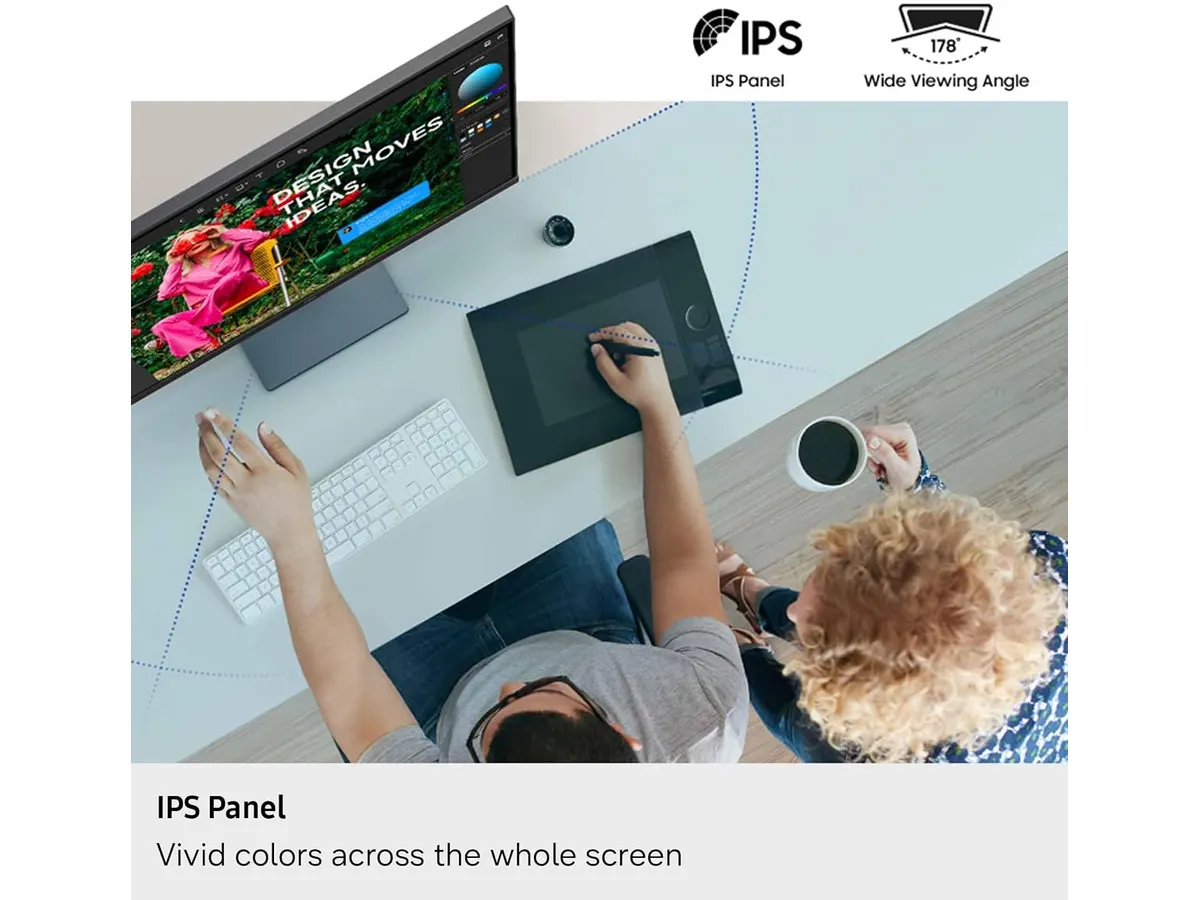
The primary strength of the Samsung ViewFinity S7 (S71H) is its IPS panel, which provides the consistent viewing angles necessary when you’re leaning in to check focus or pulling back to review a long sequence. The 4K UHD resolution on a 27-inch frame results in a high pixel density that makes text look crisp and allows for a comfortable interface scaling in apps like DaVinci Resolve or Premiere Pro.
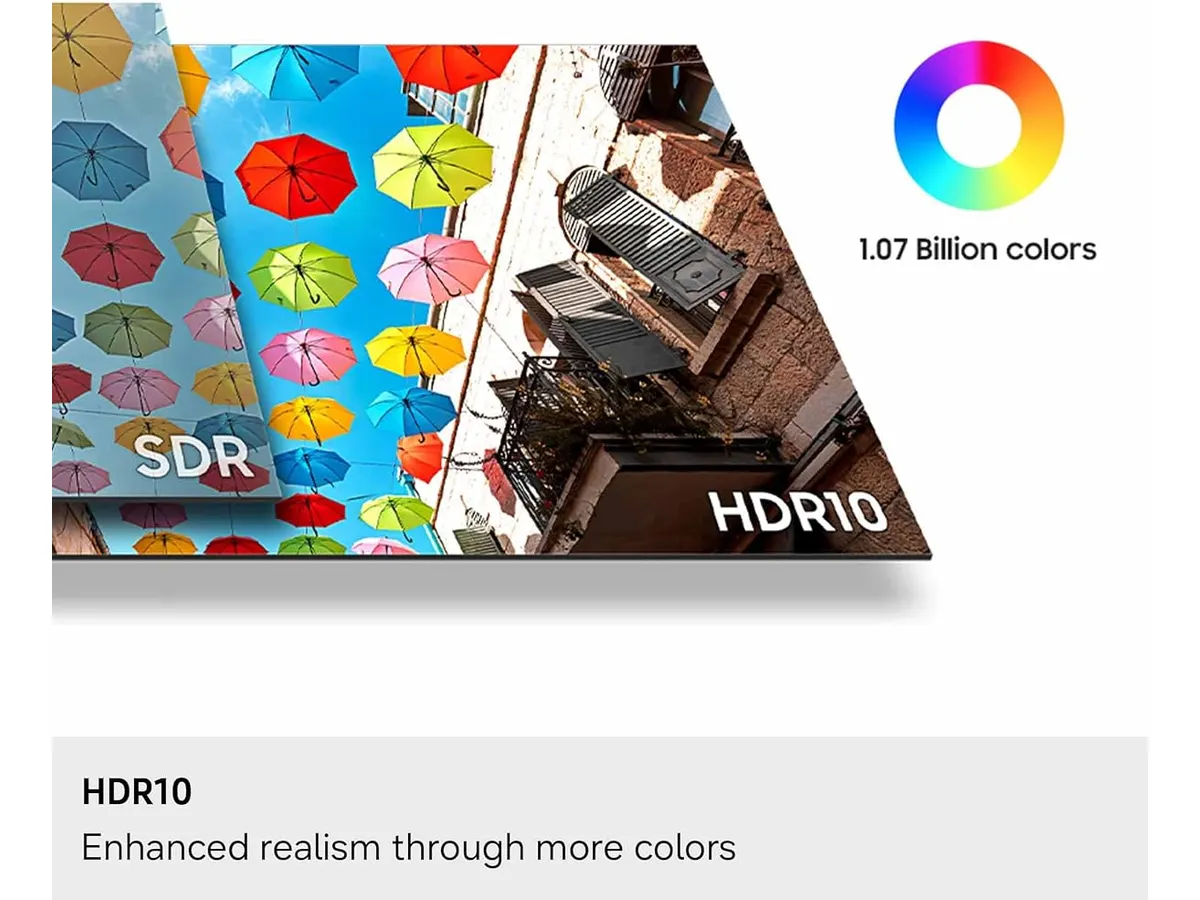
- Color Depth: Supporting over one billion colors, the panel handles subtle gradients with fewer visible bands, which is essential for working with 10-bit footage.
- Contrast Control: The integration of HDR10 helps in managing high-contrast footage. While not a professional mastering display, it does a respectable job of pulling detail out of shadows during darker scenes in your edit.
- Eye Health: The TÜV-certified Eye Saver Mode is not just marketing; during long night shifts in the edit bay, the reduction in blue light emissions is noticeable and helps keep eye fatigue at bay.
Key specifications
| Specification | Detail |
|---|---|
| Screen Size | 27 inches |
| Resolution | 3840 x 2160 (4K UHD) |
| Panel Type | IPS |
| Color Range | Over 1 billion colors |
| Connectivity | HDMI and DP |
| Certification | TÜV Eye Saver Mode |
Where it falls short
While the performance is solid for general editing, the connectivity is quite utilitarian. If you are looking for a hub-style monitor that replaces your docking station with USB-C power delivery or extra peripheral ports, you will be disappointed. You are limited to HDMI and DisplayPort, meaning you will need a separate dongle or dock for your external drives and interfaces.
Additionally, the peak brightness and color space coverage, while perfectly fine for standard web content and general creative work, do not meet the stringent requirements of high-end HDR color grading. If you are comparing this against other options, consider how it stacks up to the Samsung Essential S3 27 Curved Monitor Review for a different viewing experience.
Who is it for?
This monitor is an excellent pick for the solo content creator or corporate videographer who needs a sharp, accurate canvas for day-to-day editing and layout work. Its color representation is reliable enough for social media delivery and web assets. Conversely, this is not the right choice for the full-time colorist requiring a high-end reference display with broadcast-grade calibration capabilities. If you need portable on-set monitoring, you should stick to gear like the Atomos Ninja 5.2” Review: A Solid 4K Monitor-Recorder rather than trying to adapt a desktop screen.
Alternatives to consider
- Entry-Level Productivity: If you are on a budget and prioritize screen real estate over color depth, look for 4K panels in the lower price tier that focus on basic office productivity features rather than color-critical work.
- Professional Reference: For those needing tight control over specific color gamuts like P3 or Adobe RGB, look toward the premium professional tier. These units offer factory-calibrated hardware that justifies a higher cost for studios that cannot afford color drift.
Verdict
The Samsung ViewFinity S7 (S71H) is a practical, no-nonsense display that excels at providing a clear, high-resolution workspace for most video editors. It avoids unnecessary bells and whistles to deliver a solid IPS panel that is easy on the eyes. If you need a reliable workhorse for your suite and aren’t chasing high-end HDR mastering specs, this is a strong contender for your next upgrade.
Frequently asked questions
Can I use this for color grading?
It is suitable for standard rec.709 color grading for web and social media, but it lacks the specialized calibration tools required for high-end cinematic HDR delivery.
Does it support VESA mounting?
Yes, it is compatible with standard VESA mounts, allowing you to move it off the included stand and onto a monitor arm for better ergonomics.
Is this good for gaming?
The panel includes a dedicated game mode that adjusts contrast and clarity, making it a decent choice for creators who also use their edit station for leisure gaming after hours.

Written by
Charly River
Editor & Head of Reviews
I review audiovisual gear by cross-checking official specs, real availability and value for money. No sponsorships: if a link earns a commission, I always say so.
Spotted an error? Email usYou may also like
 Monitors
FEELWORLD FW568PRO Review: A Bright Field Monitor for Creators
Looking for a reliable field monitor? Our FEELWORLD FW568PRO review breaks down its 1200-nit screen, LUT support, and performance for solo video production.
 Monitors
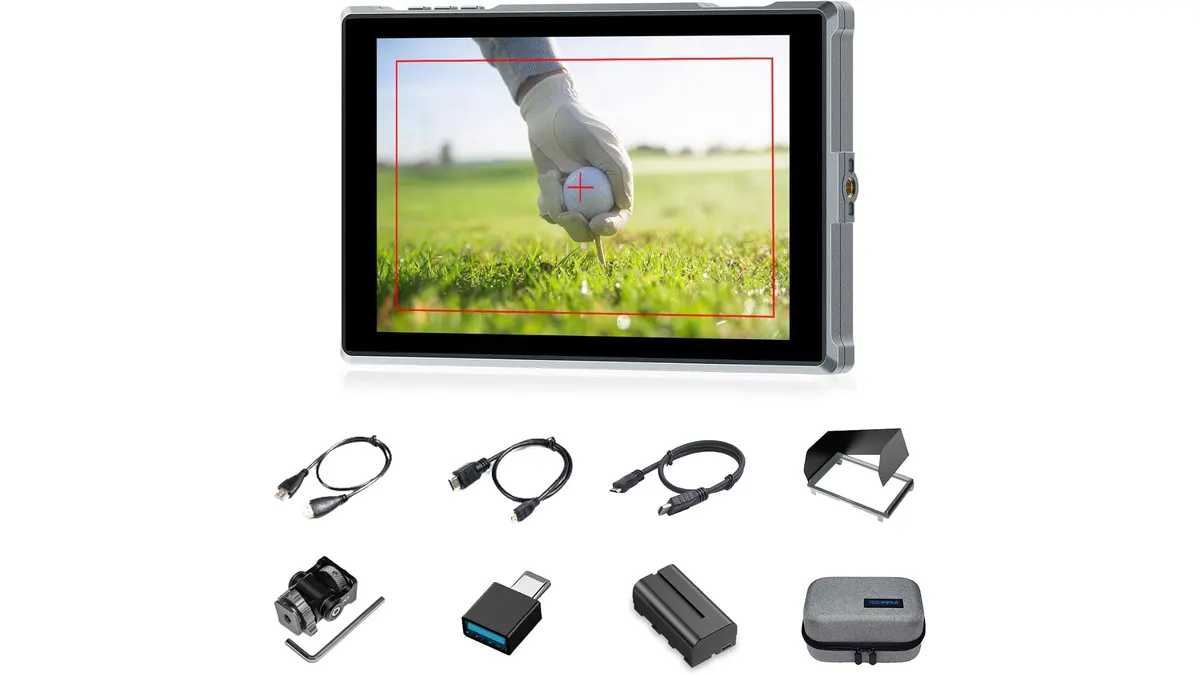
Feelworld FW759PRO Review: 7-Inch HDMI Field Monitor
Read our hands-on Feelworld FW759PRO review. Learn about its 7-inch touch display, 4K HDMI input, power flexibility, and practical field performance.
 Monitors
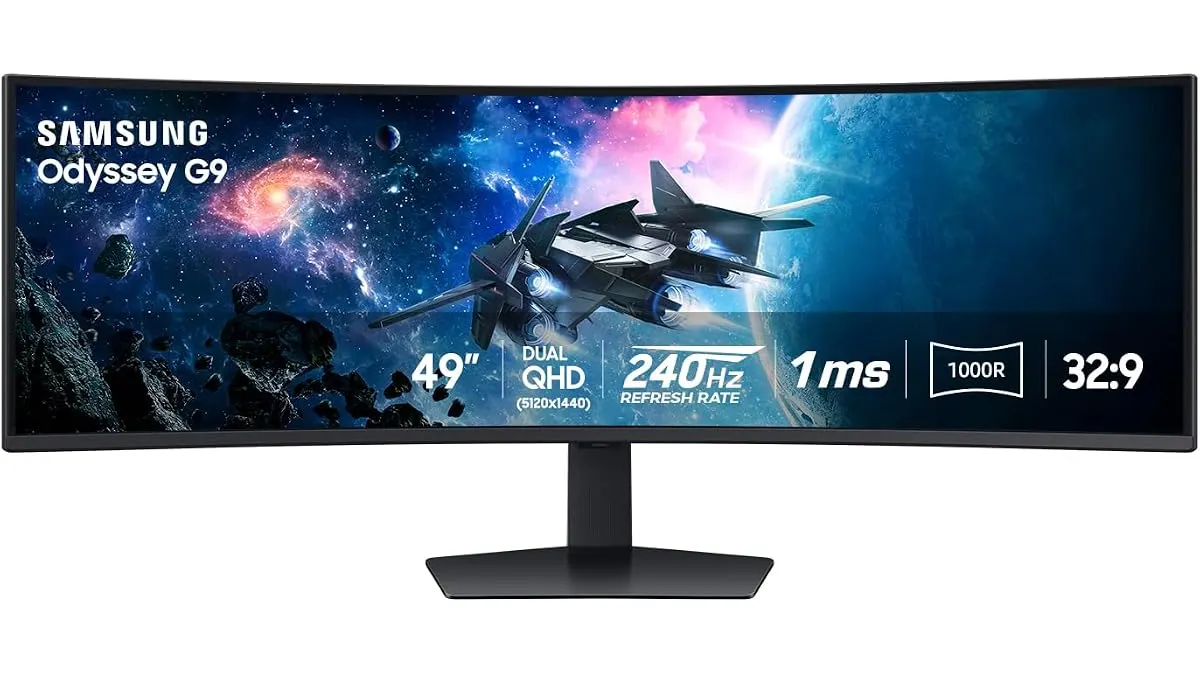
Samsung Odyssey G9 LS49CG954ENXZA Review: A Massive Ultrawide Test
We put the Samsung Odyssey G9 LS49CG954ENXZA to the test. Is this 49-inch curved beast right for your edit bay? Read our expert review to find out.