FEELWORLD FW568 Review: A Budget-Friendly Field Monitor
Is the FEELWORLD FW568 the right monitor for your DSLR setup? We break down its features, limitations, and how it performs in real-world shooting scenarios.
 Monitors
If you are tired of squinting at a tiny, low-resolution camera LCD while trying to pull focus or check exposure, you have likely looked at the entry-level market. The FEELWORLD FW568 is a staple in this category, offering a 6-inch Full HD display for shooters who need a larger, clearer frame without breaking the bank. Whether you are building out a rig for interviews or setting up a gimbal, this unit aims to be a reliable, no-nonsense tool. Before you commit to a purchase, you should explore our full range of Monitors to see how it stacks up against the wider market.
What it does well
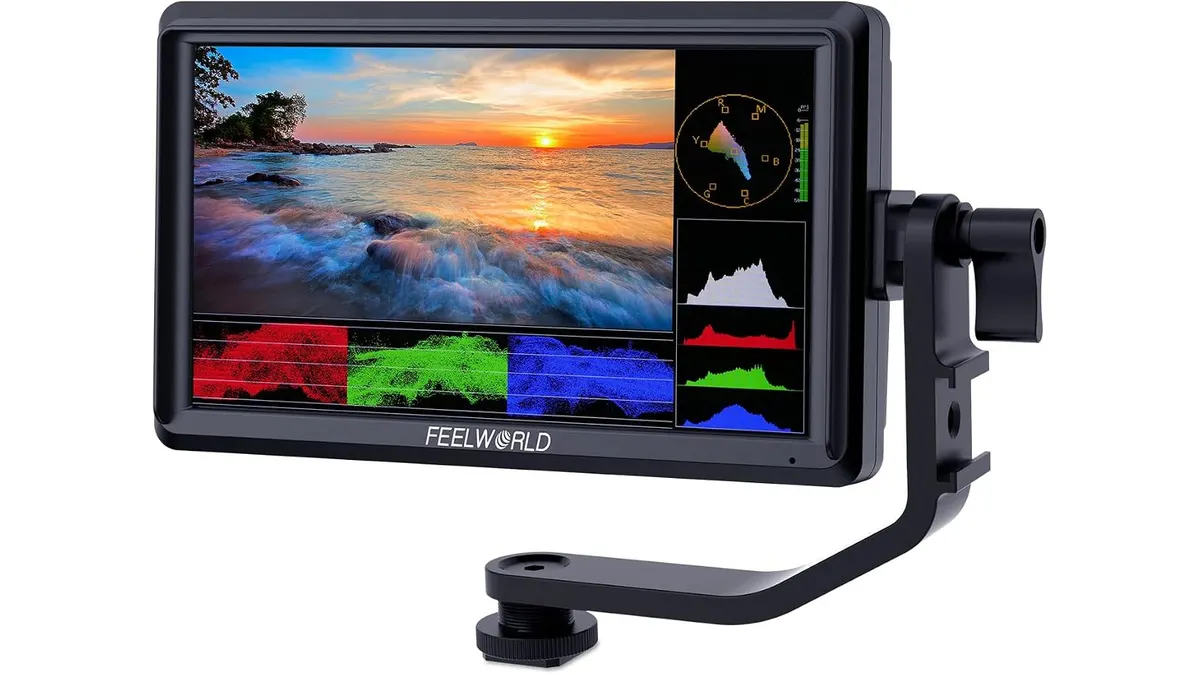
The FW568 hits the essentials for a solo operator. First, the 6-inch IPS panel provides a crisp 1920x1080 resolution, which is a massive upgrade over the small, fixed screens found on most entry-level mirrorless bodies. It makes manual focus pulls significantly easier to nail.
Second, the toolset is surprisingly robust. It includes critical features like focus peaking, false color, and an RGB histogram. Having these tools readily available on an external screen allows me to trust my exposure when shooting in variable lighting conditions, like moving between natural light and office interiors.
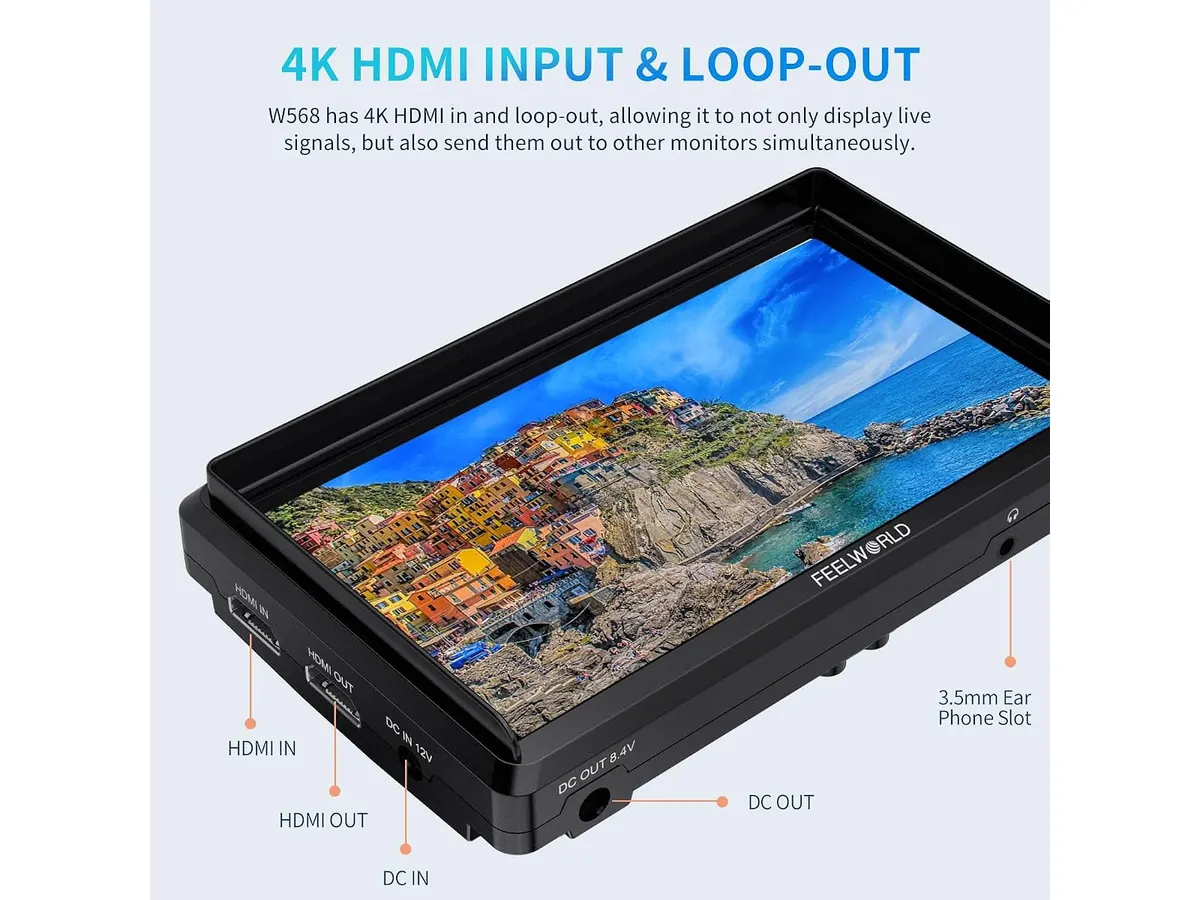
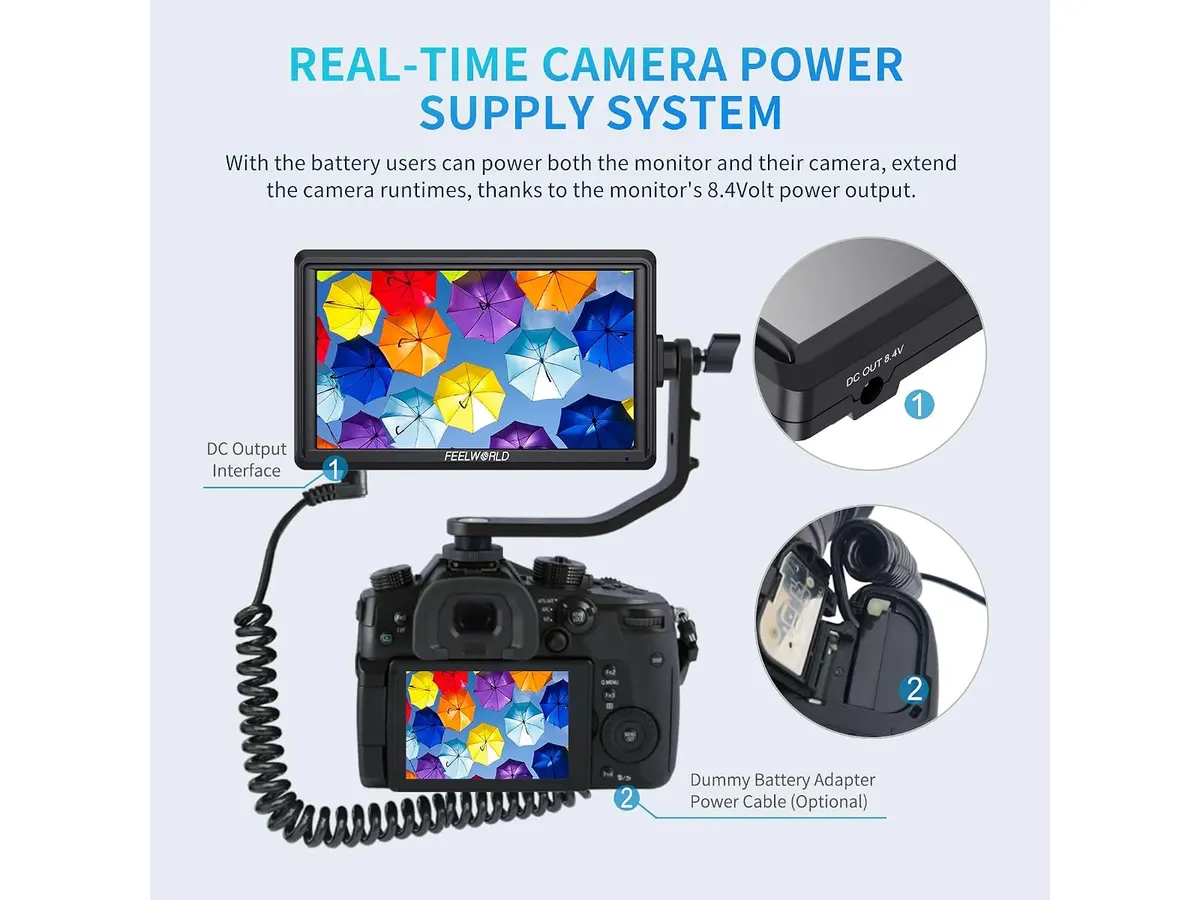
Third, the power versatility is a standout. It accepts both NP-F and LP-E6 batteries, meaning you can likely use the spare power cells you already have in your bag. Plus, the inclusion of a DC power-out port allows you to power your camera directly from the monitor, which is a game-changer for long-form interview setups where you don’t want to swap batteries every hour.
Finally, the support for 3D LUTs is a luxury at this tier. Being able to load a custom LUT to view your Log footage in a corrected state helps immensely with client confidence on set, as they can see what the final image will look like in real-time.
Key specifications
| Specification | Detail |
|---|---|
| Screen Size | 6 inches |
| Resolution | 1920 × 1080 (Full HD) |
| Panel Type | IPS |
| Brightness | 450 nits |
| Connectivity | HDMI In/Out (up to 4K@30Hz) |
| Battery Compatibility | NP-F and LP-E6 |
| 3D LUT Support | Up to 32 custom LUTs |
Where it falls short
The most noticeable limitation is the brightness. At 450 nits, this screen struggles in bright, outdoor daylight. If you are shooting on a beach or in direct sun, you will find yourself needing a sun hood or moving to the shade to maintain visibility. It simply doesn’t have the punch of higher-end displays designed for rugged, outdoor field use.
Additionally, the build quality feels purely utilitarian. While it keeps the weight down, it doesn’t feel like a tank. If you are a run-and-gun shooter who is prone to bumping your gear, you will need to handle this monitor with a bit more care than you might with more expensive, metal-chassis alternatives. While it functions well, it lacks the recording capabilities found in more advanced models like the Atomos Ninja 5.2” Review: A Solid 4K Monitor-Recorder.
Who is it for?
This monitor is perfect for the budget-conscious hobbyist or the student filmmaker who needs a dedicated, larger screen for controlled indoor shoots, such as YouTube talking-head videos or sit-down interviews. If you are an entry-level creator, the ability to see focus and exposure clearly will dramatically improve your production quality.
Conversely, it is not for the professional outdoor documentary shooter or the ENG professional. If your work consistently takes you into high-glare environments, the 450-nit panel will result in frustration rather than clarity. For those professionals, a high-brightness monitor is a non-negotiable expense.
Alternatives to consider
If you find yourself needing more durability and a higher chassis quality, you might look toward mid-range monitors that offer aluminum frames and better thermal management. These are better suited for shooters who are constantly breaking down and rebuilding rigs.
If you are looking for something that bridges the gap between a display and a field tool, consider devices in the premium price tier that offer integrated recording features and waveform scopes. For office-based workflows, you might also compare this to standard desktop gear, such as the Samsung Essential S3 27 Curved Monitor Review, to ensure your monitoring environment is consistent from shoot to edit.
Verdict
The FEELWORLD FW568 is a highly capable, entry-level monitor that provides the essential tools for better framing and exposure. It succeeds because it focuses on the basics—resolution and software features—while keeping the price accessible for those just starting their journey. While the screen brightness limits its use in direct sunlight, it remains a solid investment for indoor creators and studio work.
Frequently asked questions
Can I power my camera with this monitor?
Yes, it features a DC output port that can provide power to your camera, provided you have the appropriate dummy battery adapter for your specific camera model.
Is this monitor bright enough for outdoor use?
At 450 nits, it is best suited for indoor, shaded, or overcast conditions. It will likely be difficult to see in direct, harsh sunlight.
Does it support 4K signals?
Yes, it supports HDMI input and output for signals up to 4K at 30Hz, allowing you to pass the signal through to other devices.

Written by
Charly River
Editor & Head of Reviews
I review audiovisual gear by cross-checking official specs, real availability and value for money. No sponsorships: if a link earns a commission, I always say so.
Spotted an error? Email usYou may also like
 Monitors
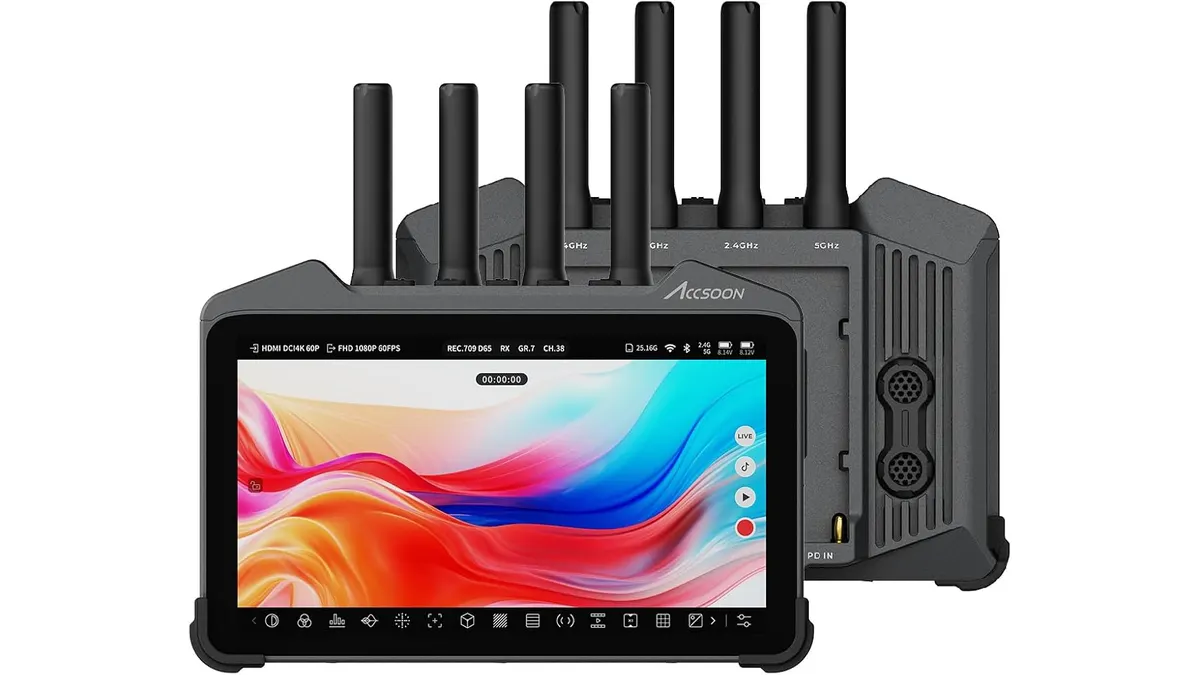
Accsoon CineView M7H Pro Review: The All-in-One Wireless Monitor
We tested the Accsoon CineView M7H Pro to see if its integrated wireless transmission and 4K recording capabilities hold up for professional field production.
 Monitors
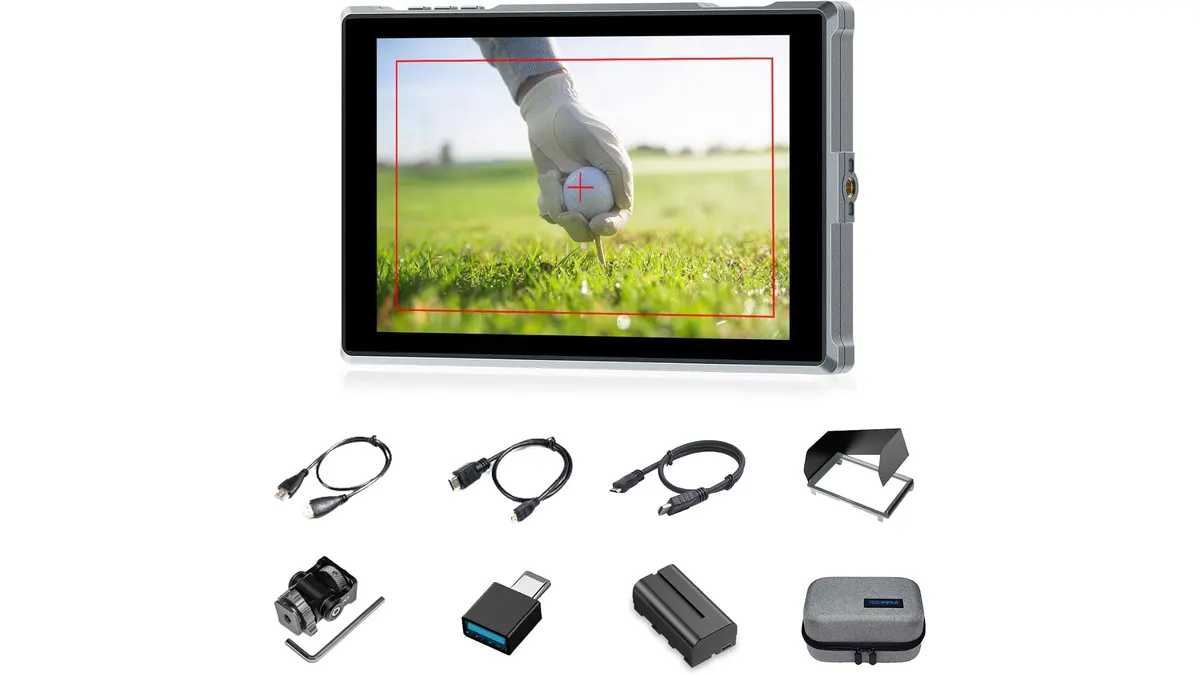
Feelworld FW759PRO Review: 7-Inch HDMI Field Monitor
Read our hands-on Feelworld FW759PRO review. Learn about its 7-inch touch display, 4K HDMI input, power flexibility, and practical field performance.
 Monitors
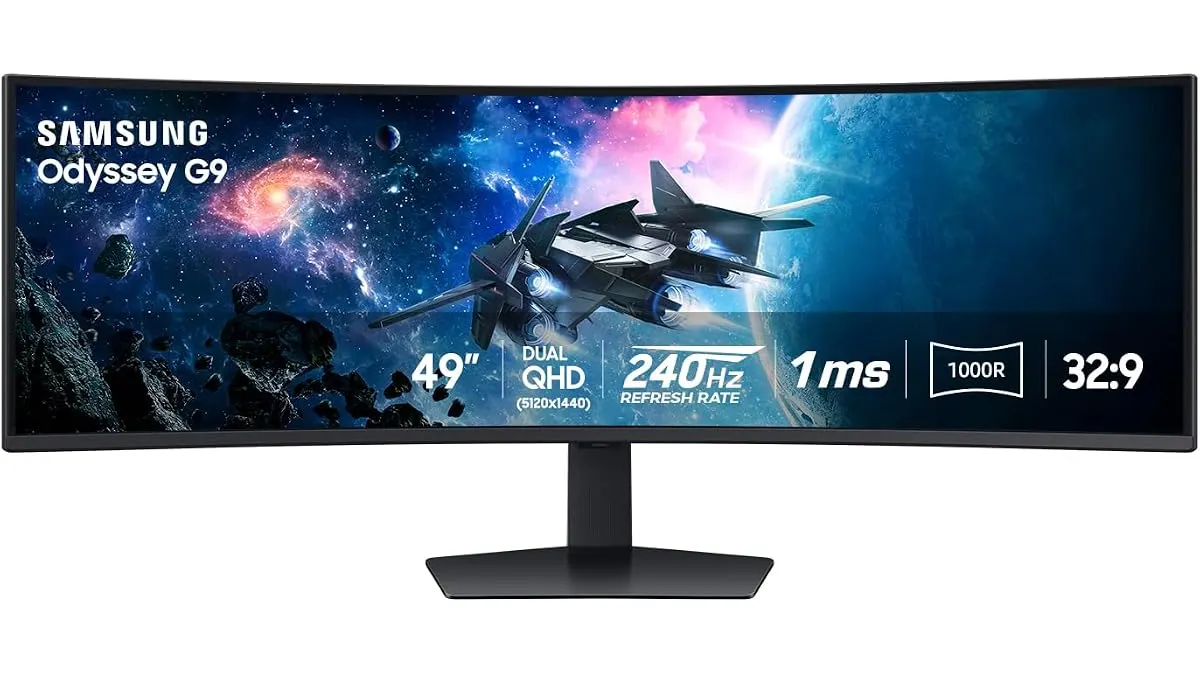
Samsung Odyssey G9 LS49CG954ENXZA Review: A Massive Ultrawide Test
We put the Samsung Odyssey G9 LS49CG954ENXZA to the test. Is this 49-inch curved beast right for your edit bay? Read our expert review to find out.